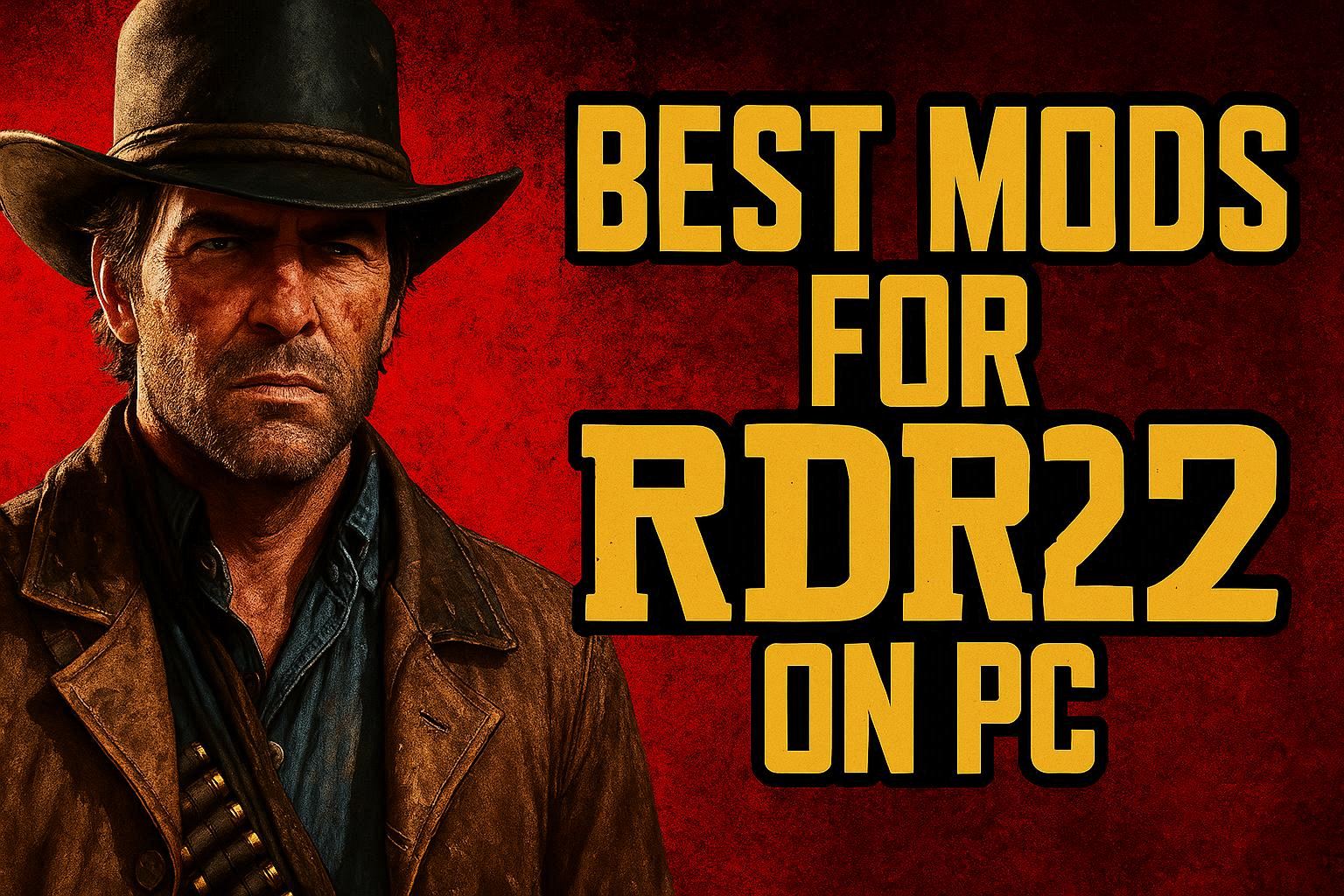
🤠 Introduction: Transform RDR2 With Mods
Mods can take Red Dead Redemption 2 from great to jaw-dropping. From photorealistic graphics to quality-of-life tweaks and immersive gameplay overhauls, this guide highlights the best, safest, and most impactful RDR2 mods to download on PC, with clear installation tips and ratings.
🛡️ Safety First: Modding Basics
- Download from trusted sources only (Nexus Mods, ModRDR, Discord communities)
- Back up your game files and saves
- Use a mod manager when possible
- Verify compatibility after each game update
🏆 Top Graphics Mods
| Mod |
What It Does |
Impact |
Difficulty |
Rating |
| PRSA ReShade |
Cinematic color grading and HDR-like tone mapping |
🟡 Medium FPS hit |
Easy |
⭐⭐⭐⭐ 9/10 |
| Photorealistic ReShade by JuanBonX |
Sharper textures, realistic lighting |
🟡 Medium |
Easy |
⭐⭐⭐⭐ 8.5/10 |
| Rampage Trainer Visual Tweaks |
Customizable weather/time presets |
🟢 Low |
Easy |
⭐⭐⭐⭐ 9/10 |
🎮 Gameplay and Immersion Mods
| Mod |
Feature |
Why Use It |
Rating |
| Rampage Trainer |
Spawn, teleport, custom loadouts |
Perfect for screenshots/testing |
⭐⭐⭐⭐ 9/10 |
| Bank Robberies Mod |
New heists & robberies |
Adds late-game content |
⭐⭐⭐⭐ 8.8/10 |
| Bounties Expansion |
Dynamic bounty missions |
More variety in free roam |
⭐⭐⭐⭐ 9/10 |
| Ped Damage Overhaul |
Realistic combat behavior |
Increases challenge |
⭐⭐⭐⭐ 8.7/10 |
🐎 Quality-of-Life Mods
- Improved Controls – refined mouse aim and deadzone tuning (⭐⭐⭐⭐ 9/10)
- Better Save – flexible save slots and auto-backups (⭐⭐⭐⭐ 9/10)
- No Intro Videos – faster startup (⭐⭐⭐⭐⭐ 10/10)
🔧 Essential Tools
| Tool |
Purpose |
Download Note |
| Lenny’s Mod Loader (LML) |
Load/unload mods easily |
Core for most installation |
| ScriptHookRDR2 |
Enables custom scripts |
Required for trainers |
| Rampage.asi |
Trainer functionality |
Place in game root |
📥 How to Install Mods (Step-by-Step)
- Locate your RDR2 folder (Steam: steamapps/common/Red Dead Redemption 2)
- Download and extract LML into the game directory
- Create the lml/mods folder if it doesn’t exist
- Place .asi files (Rampage, ScriptHookRDR2) in the root game folder
- Drop mod archives into lml/mods following author instructions
- Launch via Rockstar Launcher and test one mod at a time
📊 Mod Impact Comparison
| Category |
FPS Impact |
Complexity |
Stability |
| ReShade Presets |
5-15 FPS |
Easy |
High |
| Script Mods |
0-5 FPS |
Medium |
Medium |
| Texture Packs |
10-25 FPS |
Medium |
Medium |
🧹 Uninstalling Mods Safely
- Remove entries from LML manager or delete from lml/mods
- Delete .asi files if removing trainers
- Verify game files via Steam/Epic if issues occur
⚠️ Important Warnings
- Online mode: Do NOT use mods in Red Dead Online (risk of bans)
- After updates: Wait for ScriptHookRDR2 updates before launching
- Backups: Keep a clean copy of Rockstar-provided files
✅ Conclusion
With the right mods and clean installation, RDR2 on PC becomes a personalized Western masterpiece. Start with quality-of-life tweaks, add a trainer for exploration, then layer in graphics presets for a cinematic finish. Rate and track each mod’s impact to maintain stability and performance. Happy modding! ✨
Total word count: ~500 words
Like this:
Like Loading...
Related